Image Compressor and Resizer
Your go-to tool for reducing image size and resizing photos quickly.
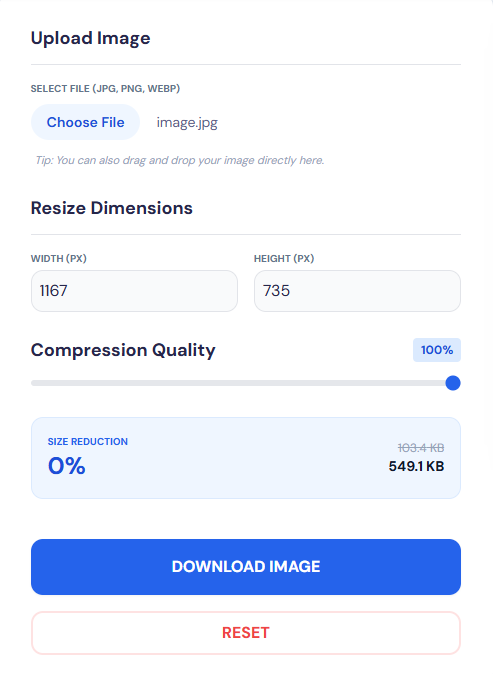
Upload Image
Tip: You can also drag and drop your image directly here.
Resize Dimensions
Compression Quality
80%Choose images or drag & drop to upload
About This Tool
Our free online Image Resizer and Compressor tool helps you reduce image size, resize photos, and compress JPG, PNG, and other formats without losing quality! It is designed to shrink photo size, adjust dimensions, and optimize files for web use. Whether you’re resizing images for Instagram, reducing file size in KB/MB, or handling bulk edits, our tool provides high-quality results every time. From changing image dimensions to compressing images for faster loading, it’s the perfect tool for all your photo editing needs-quick, easy, and completely free!
How To Compress An Image?
- 1
Click the 'Select Images' button to upload JPG, JPEG, or PNG files.
- 2
The tool automatically compresses the image, or adjust settings using the visual editor.
- 3
Compare Before & After to see the difference in file size and quality in real time.
- 4
Click 'Download Image' to save the compressed images instantly.
Why Use Our Tool?
Unlimited Free & Online
No installation needed, instant access, always available!
High-Quality Compression
Reduce image file size without losing clarity
Resize Without Cropping
Perfect for social media & web optimization
Supports Multiple Formats
Convert, compress, and resize JPG, PNG, and more
View Image EXIF Data
Browse metadata like camera settings, dimensions, and file size
Before & After Comparison
Use the interactive slider to compare image quality and file size side by side in real time!
User-Friendly
Simple, fast, intuitive, and works for everyone!
Fast & Secure
Process images quickly with privacy protection, no data stored
Want To Know More? - FAQ
There isn't a limit! You can compress as many images as you like, with no restrictions on quantity, photo size, or daily usage.
Our real-time comparison feature lets you view the original and compressed images side-by-side. This helps you review the changes in image size, quality, and dimensions, ensuring you’re satisfied with the results before downloading.
We support popular formats like JPG , JPEG , PNG , and WEBP. Moreover, you can convert between these formats (e.g., PNG to JPG) while optimizing images for better performance.
No, we prioritize privacy. Your images are not stored, saved, or shared—all processing takes place locally in your browser, maintaining complete security and data protection.
Reducing image size too much may affect quality, but our Before & After comparison lets you monitor changes in real time, helping you achieve the perfect balance between image size and quality.
