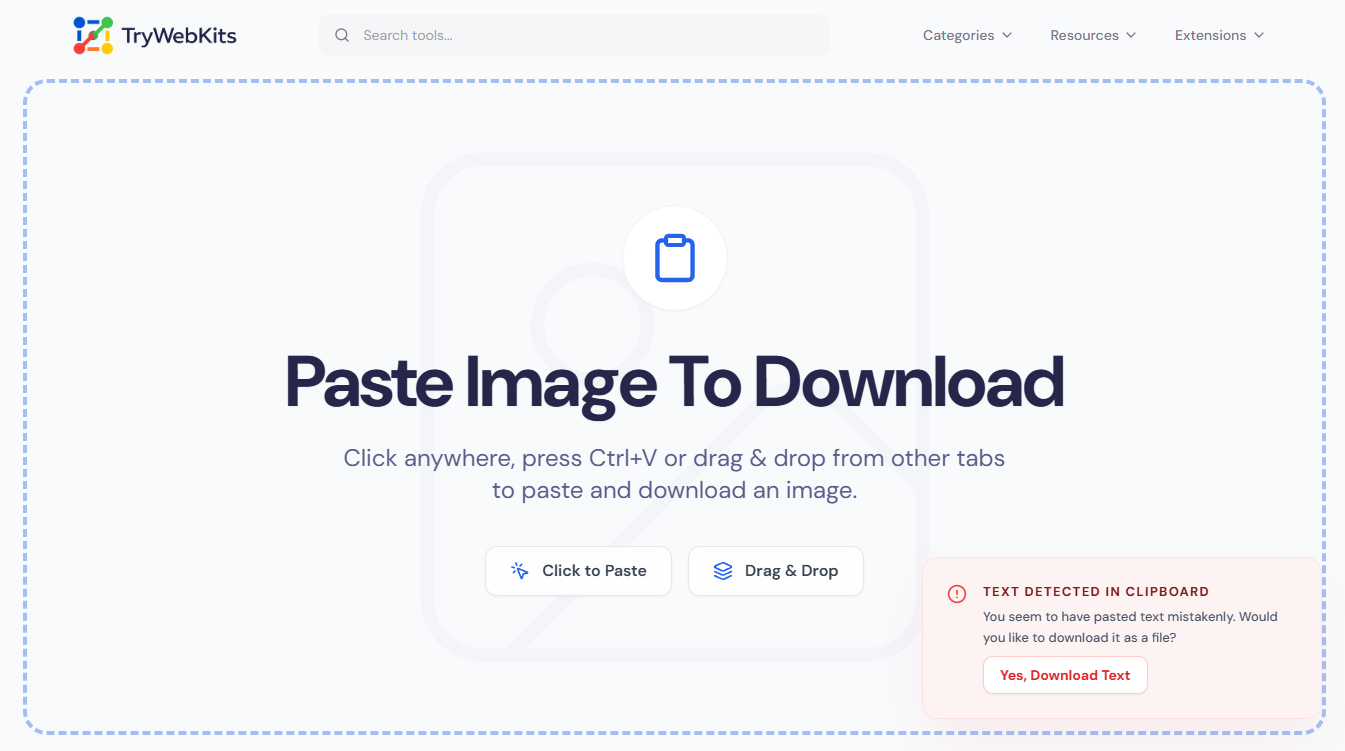
Paste Image To Download
Click anywhere, press Ctrl+V or drag & drop from other tabs to paste and download an image.
About This Tool
The Paste Image Download Tool allows users to easily paste images directly into the interface and download them. This tool removes complex downloading steps, making it simple for anyone to save images from various sources. Whether you're using a desktop, laptop, mobile device, or tablet, this utility supports all users, ensuring a smooth experience.
How Does This Tool Work?
Copy. Paste. Download. Done.
- 1
Copy the image you want to download from the internet.
- 2
Click anywhere on the screen or use Ctrl + V to paste.
- 3
The image will be instantly downloaded as a PNG on your device.
See it in Action
Watch this 10-seconds guide to know how to use this tool.
Use Cases
Discover how our tool can simplify your digital workflow
Social Media Management
Quickly paste and download images for posts
Graphic Design
Easily gather and save images from different sources
Educational Purposes
Download images for presentations or assignments
Personal Projects
Save images for scrapbooks or personal collections in minutes
Why Use Our Tool?
Using our tool is far quicker than manually saving images. By copying and pasting, you save time and streamline your workflow without unnecessary steps.
Quick Download
Pasting an image allows instant downloading with just a click.
Smart Detection
Accidentally pasted text? We'll notify you before downloading.
Cross-Device Compatibility
Works on desktops, laptops, tablets, and mobile devices.
Drag & Drop
Drag images directly from other browser tabs.
Auto Naming
Files are timestamped for easy sorting in your downloads.
Secure Data Handling
Images are processed securely with no unnecessary storage.
Privacy & Security
All processing happens on your device, so your data stays private. Any images you paste are handled locally and are only saved if you choose to download them, nothing is ever sent to our servers.
Frequently Asked Questions
The tool is fully compatible with mobile devices, allowing you to paste and download images while on the go.
There isn’t a strict limit regarding image size. However, very large files may require additional time for processing and downloading.
Yes, you can easily copy images from any website and paste them directly into this tool for quick downloading.
Some websites copy the image address (URL) instead of the image data. Try right-clicking the image and selecting "Copy Image" specifically.
If you see a red popup, it means your clipboard was empty or contained text instead of an image. You can choose to download the text if you wish.
Downloaded images can be found in your device's default downloads folder.
