CPS Test
 CPS Test
Check mouse click speed in clicks per second with a quick timed test.
What Is CPS Test?
A CPS test measures how fast a mouse can be clicked. CPS stands for clicks per second, and the score is the common way to compare click speed between players. It is also known as a click speed test, a click test or a CPS tester.
Players of Minecraft, clicker games and fast shooters use it to see where their click speed stands and to warm up before a match. It also helps when trying out a new mouse. This CPS test is free, runs in any modern browser and needs no sign up.
How To Take The CPS Test?
A click speed score takes four short steps.
- 1
Pick a test time from the row of buttons above the click area.
- 2
Click inside the big area: the first click starts the timer by itself.
- 3
Keep clicking as fast as possible until the time left reaches zero.
- 4
Read the CPS score on screen, then press 'Try Again' for another run.
How To Improve Clicks Per Second?
Six habits that raise a click speed score.
Light Quick Taps
Light, short taps travel less than hard presses, so more clicks fit in a second.
Try Jitter Clicking
Tensing the forearm makes the finger shake on the button and adds extra clicks.
Try Butterfly Clicking
Two fingers take turns on one button, so each finger rests while the other clicks.
Lighter Mouse Buttons
A mouse with soft, short buttons registers fast clicks more easily than a stiff one.
Practice Every Day
A few short tests a day build speed faster than one long session.
Rest Between Runs
Short breaks stop strain in the fingers and wrist, and scores stay steady.
Features Of This CPS Test
Built for quick tests and honest scores.
Eight Test Times
Run the test for 1, 2, 5, 10, 15, 30, 60 or 100 seconds.
Live Click Counter
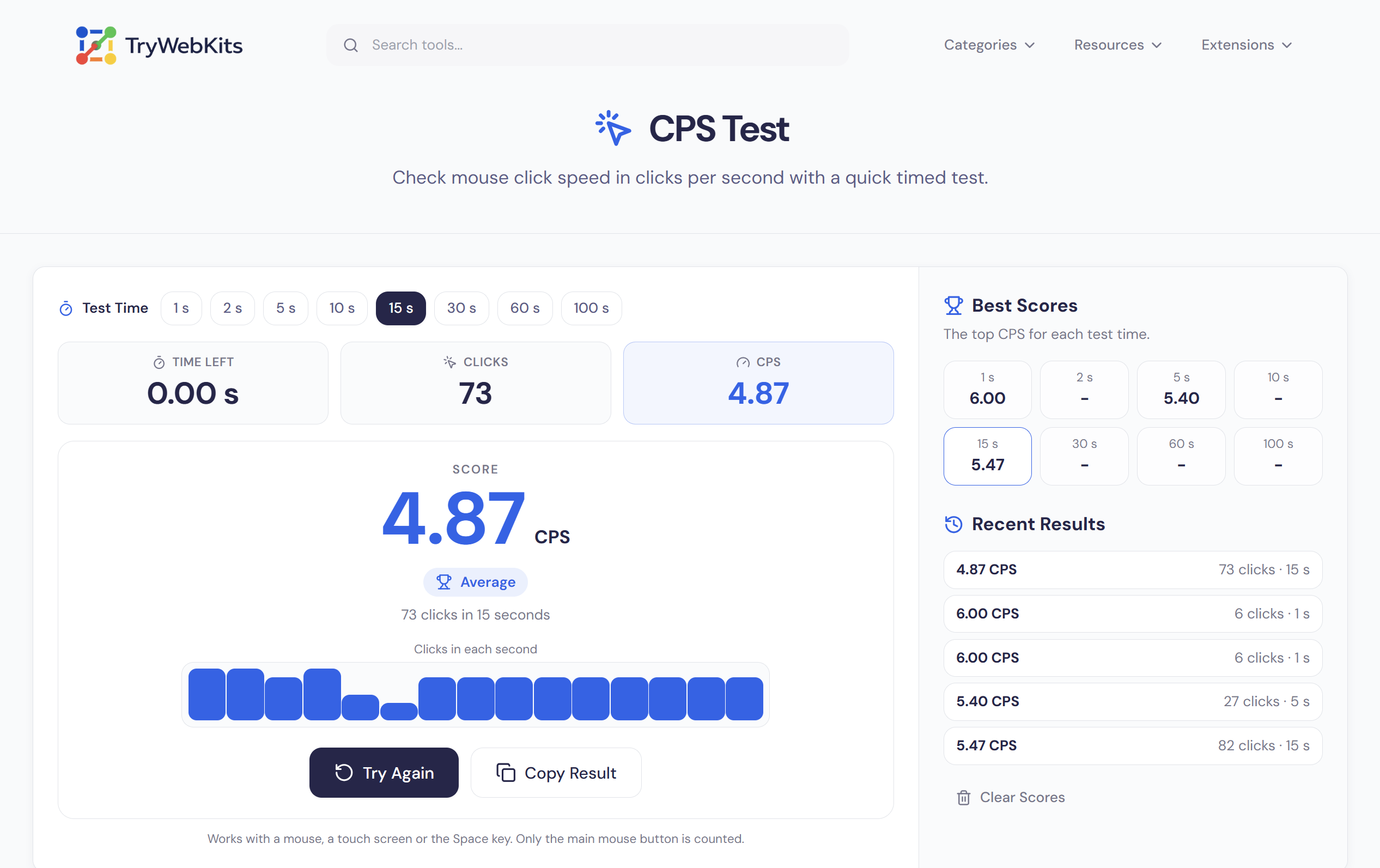
Watch the clicks, the time left and the running CPS change with every click.
Instant Speed Rank
Every score gets a rank, from Warming Up and Average up to Pro and Extreme.
Per Second Chart
A bar chart shows the clicks made in each second of the test.
Best Score Board
The best CPS for each test time stays on screen as a target to beat.
Recent Results List
The last ten runs are listed under the best scores, with clicks and time.
Mouse, Touch, Keyboard
Click with a mouse, tap a touch screen or press the Space key.
Fair Click Timing
Every click is timed by the browser itself, so a slow page cannot change it.
Copy The Score
Copy the result as one line of text to share with friends or teammates.
What You Should Know
Most people land between 5 and 7 clicks per second with normal one finger clicking. A quick run on this mouse click speed test shows the exact score.
From 6 clicks per second a score counts as fast, and 8 or more is very fast. Scores above 10 usually need a special clicking technique.
The clicks made before the timer ends are counted and divided by the test time in seconds. So 35 clicks in a 5 second test give 7.00 CPS.
A 5 or 10 second test is the usual standard. One second shows a short burst, while 30 seconds or more shows how long the speed lasts.
Best scores and recent results are kept on the device once cookies are accepted, and the Clear Scores button removes them. Nothing is sent to a server.
You May Also Like

Typing Speed Checker
Test and improve your typing speed with real-time WPM tracking

Dice Roller
Roll a realistic animated 3D die and track your results in roll history.

QR Code Generator
Create QR codes for URLs, text, WiFi, and more

Stylish Game Name Generator
Generate unique usernames for PUBG, COD, and more.