SVG To PNG Converter
 SVG To PNG Converter
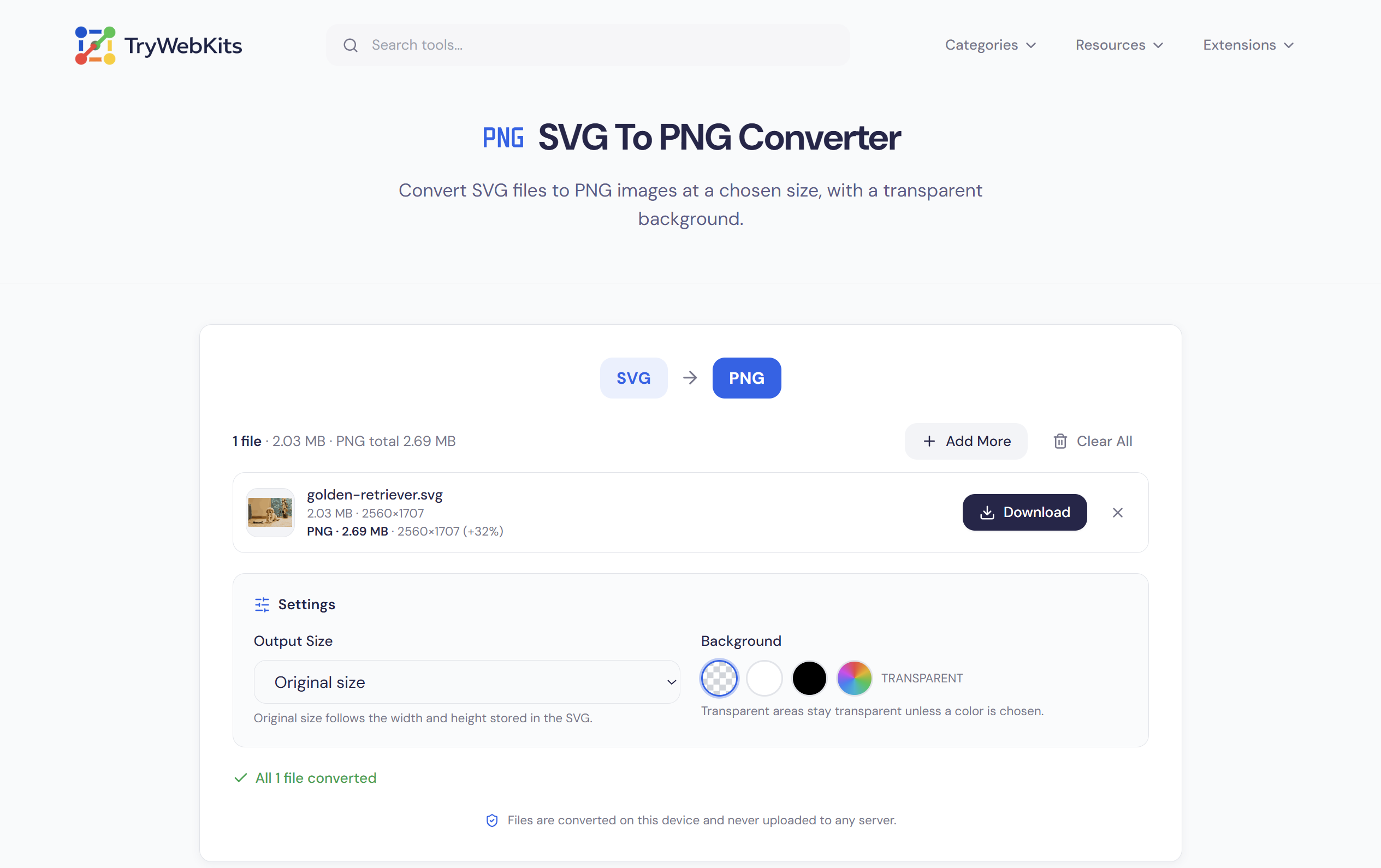
Convert SVG files to PNG images at a chosen size, with a transparent background.
Files are converted on this device and never uploaded to any server.
About This Tool
This free SVG to PNG converter works right in the browser. It turns SVG files into PNG images with no software to install and no account to create, so converting can begin right away.
SVG files are common for logos, icons, and illustrations, and many design tools and websites often offer them as a download. A PNG image is usually a more practical choice for presentations, documents, and social media profiles. Each PNG image keeps the name of its SVG and, by default, the size stored in the file, so the finished images are easy to find, share, and use.
How To Convert SVG To PNG Online?
Save SVG files as PNG images with a single click.
- 1
Press Select Files, or drop SVG files onto the converter to add them.
- 2
Choose an Output Size, then keep the transparent background or pick a color.
- 3
Press Convert and watch each row until its new PNG size appears.
- 4
Press Download for one file, or Download All (ZIP) to save every PNG together.
How This SVG To PNG Converter Works?
The browser reads each SVG and redraws it at the chosen size. The result is saved as a PNG, and scripts inside an SVG file never run.
Images are converted one after another, and each row shows its own progress. Changing a setting later makes finished images ready to convert again, so every PNG in a batch matches.
Files Stay Private
Every SVG is converted inside the browser and never sent to any server.
SVG Vs. PNG: What's The Difference?
The two formats are built differently, which affects the result.
| Feature | SVG | PNG |
|---|---|---|
| Full Form | Scalable Vector Graphics | Portable Network Graphics |
| Type | Built from shapes and lines | Built from a grid of pixels |
| Scaling | Stays sharp at any size | Gets blurry when enlarged |
| Transparency | Supported | Supported |
| File Size | Small for simple graphics, large for detailed art | Grows as the image gets bigger |
| Editing | Shapes and colors can be changed in a text editor | Edited pixel by pixel in image editors |
| Compatibility | Opens in browsers and editors, but some apps reject it | Opens almost everywhere |
Features Of This SVG To PNG Converter
Sharp output, flexible sizes, and a transparent background in one place.
Sharp Output
Lines, curves, and shapes stay crisp at every size, with no blur from enlarging.
Background Choice
Fill the background with white, black, or any color from the color picker.
Flexible Sizes
Choose 2×, 3×, or 4× larger, or a fixed width from 512 to 4096 pixels.
Batch Conversion
Add many SVG files at once and get a PNG for each one.
Size Comparison
Every result shows its pixel size, its file size, and how much it changed.
ZIP Download
Save images one by one, or all together in a single ZIP file.
Drag And Drop
Drop SVG files anywhere on the converter, and a highlight shows where to release.
Thumbnail Previews
Every added SVG appears as a small preview with its width and height.
Stop Anytime
End a running batch with one click, and finished images stay ready to download.
Frequently Asked Questions
Yes. Transparent areas of the SVG stay transparent in the PNG until a background color is chosen.
Not at the chosen size. PNG keeps every pixel exactly as drawn, and the original SVG file is never changed.
The longest side can reach 16384 pixels. A smaller size is the fix for a very large PNG that fails to save.
No. The height follows the shape of the SVG, so the image is never stretched or squashed.
Images and fonts linked from other files or websites are not loaded. Including them inside the SVG file fixes it.
That is the opposite direction. The Image to SVG tool on this site turns a PNG into an SVG.
Up to 25 SVG files can be converted in one batch, each up to 20 MB. A larger set can be done in several rounds.
You May Also Like

Metadata Editor
Edit EXIF, GPS, copyright, dates and more on JPEG, PNG and PDF files. Add unlimited custom fields.

Image Compressor and Resizer
Reduce image size and resize photos quickly without losing quality.

Image Background Remover
Remove backgrounds from images online with AI assistance.