Text Case Converter
Switch between upper case, lower case, title case, sentence case, and more text formats with ease.
You can use drag and drop to upload a file.
About This Tool
Use this text case converter to change uppercase to lowercase, lowercase to uppercase, or format text into title case and sentence case. This letter case converter fixes all caps text and corrects mixed case formatting. Format emails, documents, assignments, and social captions with proper capitalization. Transform titles, headings, and documents with accurate case conversion. Ensure your text meets formatting standards for any professional, academic, or personal use. This tool delivers precise results for all text case needs.
How to Use This Text Case Changer?
Follow these simple steps to convert your text:
- 1
Paste the text into the input field or import it directly from a text file.
- 2
Select the required conversion format from the available case options.
- 3
Your converted text updates automatically as soon as you choose a case style.
- 4
Copy the result with one click or download it as a new text file.
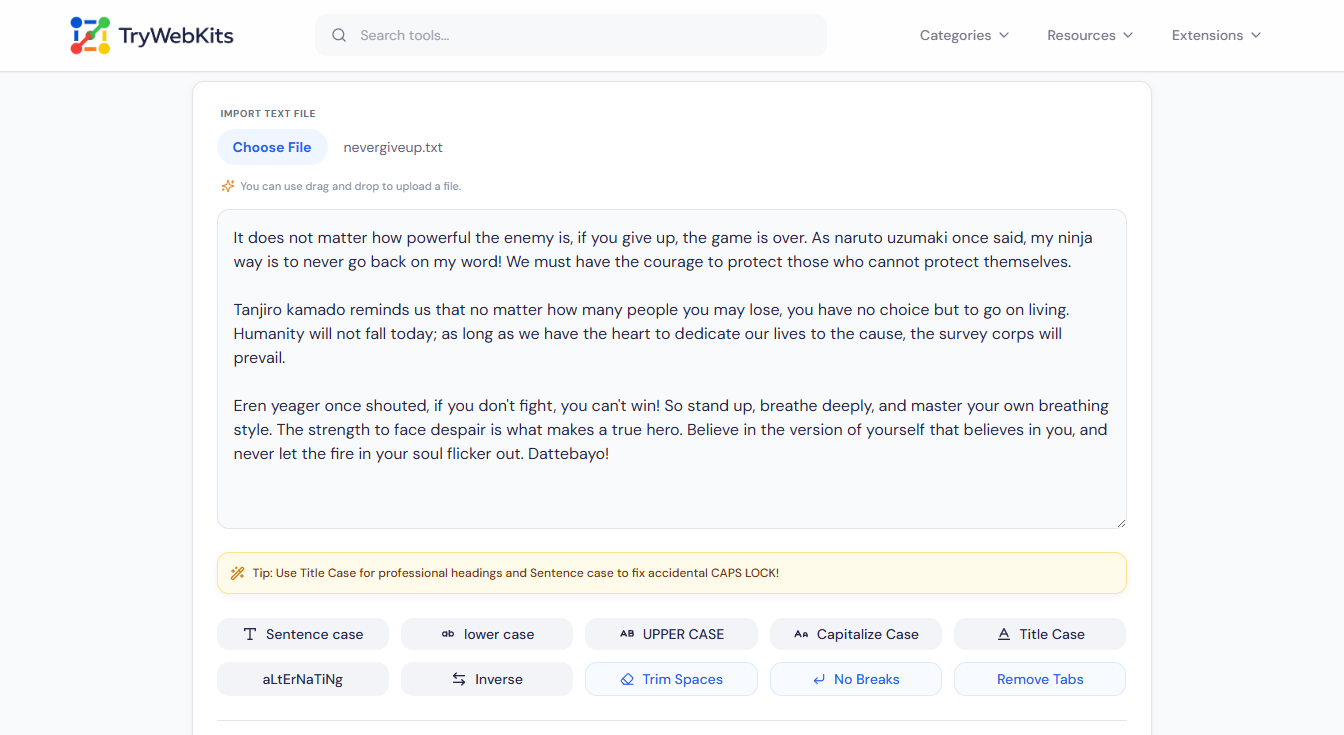
Text Case Conversion Examples
Review these common examples to understand what each conversion format does with your text.
| Case Format | Input Example | Output Example |
|---|---|---|
| Sentence case | this is a sentence. | This is a sentence. |
| lower case | HELLO WORLD | hello world |
| UPPER CASE | hello world | HELLO WORLD |
| Capitalized Case | hello world | Hello World |
| aLtErNaTiNg cAsE | hello world | hElLo wOrLd |
| Title Case | this is a title | This Is A Title |
| InVeRsE CaSe | Hello World | hELLO wORLD |
| Trim Extra Spaces | hello world | hello world |
| Remove Line Breaks | hello\nworld | hello world |
| Remove Extra Tabs | hello\t\tworld | hello world |
Common Use Cases for a Case Changer
A case changer solves formatting issues across professional, academic, and digital tasks. These are the primary applications:
Fix Accidental Caps Lock
Quickly change all caps to lowercase for proper readability.
Format Headlines & Titles
Use the title case converter for blogs, essays, articles, and video titles.
Standardize Data & Documents
Clean and format text from spreadsheets, forms, or multiple sources
Prepare Code & Variables
Convert text for programming formats like camelCase, PascalCase, or CONSTANTS.
Style Social Media & Graphics
Create text for captions, bios, and designs in uppercase or lowercase.
Note Organization
Convert rough, brainstormed notes into headers for personal knowledge management.
Why Use This Text Case Converter?
Instant & Automatic Conversion
See results in real time as you select a format.
Complete Case Coverage
Handles every major format, uppercase, lowercase, title, and sentence case, and more.
Flexible Input & Output
Paste text directly, import files, copy results, or download them.
Clean & Professional Output
Formats text ready for emails, documents, code, and publishing.
Frequently Asked Questions (FAQ)
This is a key distinction. Title Case follows specific rules, capitalizing major words (like nouns, verbs, and adjectives) but typically not minor words (like "a", "an", "the", and "and") unless they are the first or last word. Capitalize Text (or "Capitalize Each Word") simply makes the first letter of every word uppercase, regardless of grammar rules. Title Case is suited for professional titles, while Capitalize Text works better for stylistic lists or labels.
You would use the "Sentence case" converter. This format is designed specifically to lowercase all letters except the first letter of the first word in a sentence, which it capitalizes. It is the ideal tool for fixing text that was typed with the CAPS LOCK key on.
Yes, both applications have built-in case-changing functions (under the "Format" menu or via a shortcut like Shift + F3). However, an online converter like ours is often faster for batch processing, offers more specific formats (such as strict Title Case), and allows easy import and export without opening a document.
No, a proper case converter only affects alphabetical letters (A-Z). It leaves all numbers, symbols, punctuation marks, and special characters completely untouched, preserving the integrity of your original content.
Several major style guides exist (APA, MLA, Chicago, AP). Their rules for title cases differ slightly, particularly regarding which short words to capitalize. Most online tools, including ours, follow a commonly accepted standard. For strict academic or publishing work, you should verify the output against your required style guide.
