Convert EML to PDF Online
Turn a saved .eml file into a professional, ready-to-share PDF quickly.
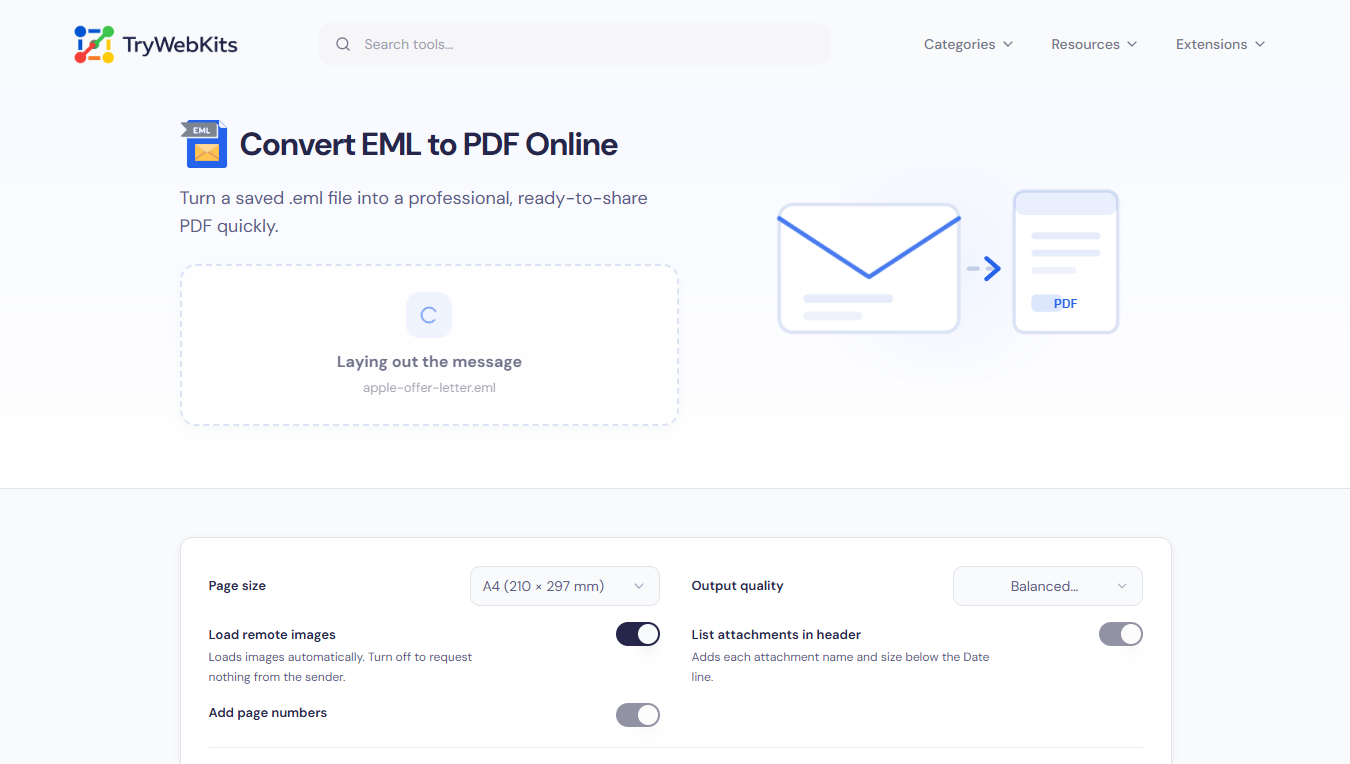
Loads images automatically. Turn off to request nothing from the sender.
Adds each attachment name and size below the Date line.
No email added yet
Add a .eml file and the PDF builds automatically.
About This Tool
An EML file is a single email saved as one document: the headers, the message body and every attachment packed into a plain-text container. It is the format produced when a message is exported from Gmail, Outlook, Apple Mail or Thunderbird. Outside an email client, almost nothing can open one properly, which becomes a problem the moment a message needs to be attached to a support ticket, sent to a lawyer, filed alongside an invoice or kept as a record after an account is closed. This eml to pdf converter turns that file into a standard PDF that opens anywhere, with the original layout, images and links carried across exactly as they appeared in the original message.
How To Download Emails As PDF?
Two-step process from a saved email to a finished PDF.
- 1
Open the email and save or export it as an EML file.
- 2
Keep that saved file somewhere easy to find, like downloads or desktop folder.
- 3
Open this eml to pdf converter and drop the file into the box.
- 4
The pdf builds right away: download it in one click.
How This EML To PDF Converter Works?
A few key steps turn a saved email into a finished PDF.
- Body Selection: Whichever version of the message carries the most detail becomes the finished page.
- Header Reconstruction: A print-style block with From, To, Cc, Date and Subject is rebuilt at the very top.
- Image Fetching: Linked pictures are fetched straight from the browser by default, with an option to turn that off.
Together, these steps turn scattered headers, message text, pictures and attachments into one finished page that reads like the original email.
Core Capabilities Of This EML To PDF Converter
Six things this converter always gets right.
Private By Design
Every step runs inside the browser tab, so confidential mail never reaches a server.
Formatting Preserved
Tables, colours, fonts and embedded logos keep their original look in the finished pdf.
Structured Page Breaks
Text, images and table rows are measured so a page break never splits either one.
Clickable Links Kept
Web addresses and mailto links become real clickable annotations instead of plain, dead text.
Tracking Pixels Removed
Hidden 1x1 tracking pixels used to log message opens are stripped out automatically, every time.
Full Character Support
Base64 text, quoted-printable bodies and non-English subject lines all decode correctly, with accents intact.
Why Choose This Converter Over Doing It Manually?
Doing this by hand usually costs time, formatting, or both.
Faster Than Manual
Printing a message by hand through a browser often drops colours, spacing and inline images.
No Missed Attachments
Manual copy-paste into a document regularly loses attachment names, dates and full header details.
Consistent Every Time
Print-to-pdf in a mail client varies by device and browser, unlike this fixed, repeatable process.
No Extra Software
Nothing to install or configure: the whole process runs online, on any device, in seconds.
The Email Never Leaves This Device
Every step happens inside the browser tab: reading the MIME structure, decoding attachments, rendering the message and writing the PDF. Nothing is uploaded, nothing is logged, and closing the tab erases everything.
Questions & Answers
Attachment names and sizes appear in the header block for a complete record. A spreadsheet or separate PDF stays a standalone attachment, not merged into the page.
Emails often link to images instead of storing them inside the file. Those load automatically unless remote images are off, or their host blocks direct access.
No. A .msg file is Outlook's own format and is structured differently from EML. Export or drag it out as EML first, then convert that file here.
The PDF keeps the visible message exactly as received, including routing headers, which covers most archival needs. For raw headers as evidence, keep the original EML file too.
Yes. It runs in any modern mobile browser, phone or tablet. Very long emails convert a little slower on older phones, since rendering happens on the device itself.
You May Also Like

Email Header Analyzer
Analyze raw email headers to trace delivery routes, verify SPF/DKIM/DMARC, & diagnose delivery delays.
Word Counter
Word and character counter with detailed text metrics.
Text to PDF
Write or paste formatted text and images, then download as PDF, privately in browser.

Invoice Generator
Make detailed invoices with branding, taxes, and payment options.

Image Compressor and Resizer
Reduce image size and resize photos quickly without losing quality.

URL Unshortener
Instantly expand the shortened links before clicking them to protect yourself from malware and phishing.
