
Firefox Add-on Source Code Downloader
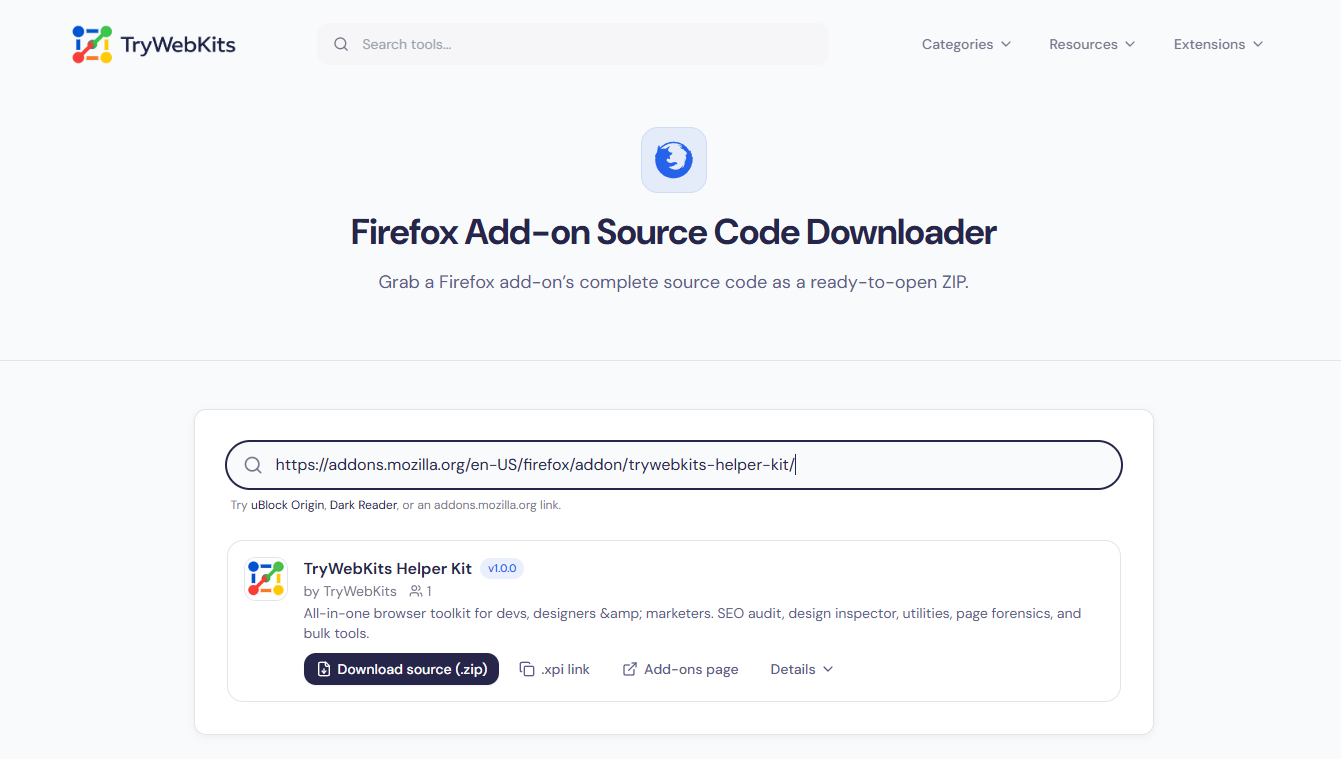
Grab a Firefox add-on’s complete source code as a ready-to-open ZIP.
Try uBlock Origin, Dark Reader, or an addons.mozilla.org link.
Start typing to search Firefox Add-ons.
What The Firefox Add-on Downloader Does
The Firefox Add-on Source Code Downloader pulls the code behind any add-on listed on the Firefox Add-ons site. From a single search box, it saves an add-on’s complete source as a ZIP file or copies the original XPI download link. People reach for it to inspect an add-on before installing, audit it for safety, learn from working code, or hold on to one exact release.
How To Download Firefox Add-on Source Code?
Saving an add-on’s source is a quick, four-step job.
- 1
Type an add-on’s name, or paste an addons.mozilla.org link, to begin.
- 2
Choose the right add-on from the results that appear instantly.
- 3
Press Download source to save the packaged ZIP locally.
- 4
Unzip it with any archive tool to read the files inside.
Core Capabilities Of Our Firefox Add-on Downloader
Each part of the process is built for control.
Instant Results
Matches show up the moment an add-on name is typed into the box.
One-Click Source ZIP
Save an add-on’s entire source as a single ZIP, with nothing extra to do.
Direct XPI Link
Copy Mozilla’s official file URL for use in scripts, automation, or team sharing.
Add-on Details
Read the version, size, license, rating, user count, and update date upfront.
Straight From Mozilla
Searches and files run through the official Add-ons API, checked against Mozilla hosts.
Works Everywhere
Runs in Chrome, Firefox, Safari, and on mobile, with nothing to install.
Directly From Mozilla
Searches and downloads use Mozilla's official Add-ons API and file URLs, validated against Mozilla hosts. TryWebKits never proxies or stores your queries or files.
Frequently Asked Questions
Yes. There is no account, sign-up, or fee, and no cap on how many add-ons can be searched and downloaded.
An XPI is a Firefox add-on’s package, really a ZIP holding the manifest, scripts, and assets, so any unzip tool opens it.
Name search targets extensions, but pasting any addons.mozilla.org link resolves that item, theme or dictionary included, along with its current file.
Inspecting an add-on for safety or study is normal, yet the code remains its author’s. Follow the listed license and Mozilla’s terms.
You May Also Like

Visual Studio Marketplace Extensions Code Downloader
Download VS Code extensions and their source code as VSIX files, any version, any platform.

Online IDE
Run JavaScript, TypeScript, Python, Lua, SQL and HTML directly inside browser.

HTML Code Minifier
Compress, obfuscate, and minify your HTML code. Reduces file size by removing whitespace, comments, and unneeded characters.

Online UUID Generator
Create unique GUID & UUIDs for apps and databases.

EXIF Data Viewer
Extract GPS location, camera settings, timestamps, and all metadata from photos and videos. Privacy scanner included!

Lorem Ipsum Generator
Generate placeholder text for websites, apps, and documents.
