
Visual Studio Marketplace Extensions Downloader
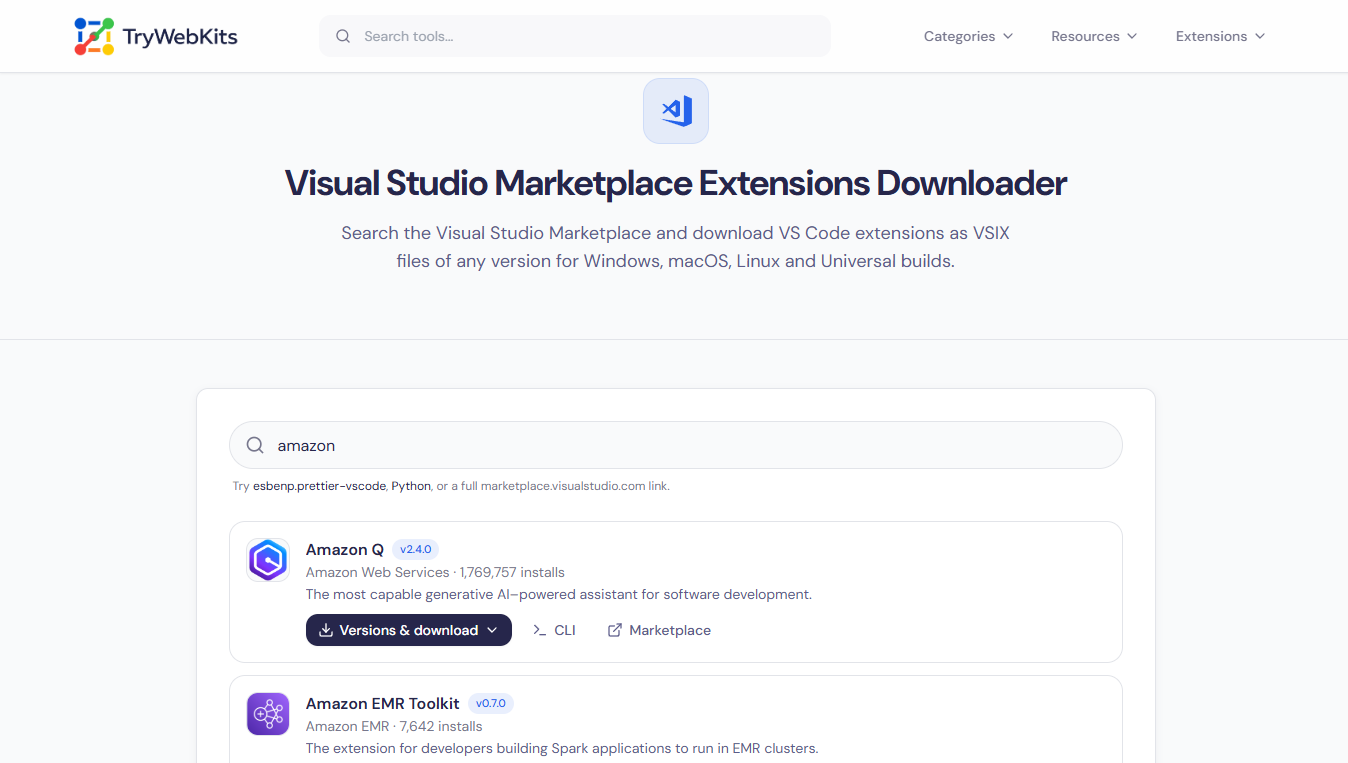
Search the Visual Studio Marketplace and download VS Code extensions as VSIX files of any version for Windows, macOS, Linux and Universal builds.
Try esbenp.prettier-vscode, Python, or a full marketplace.visualstudio.com link.
Start typing to search the Visual Studio Marketplace.
About This Tool
The VSIX Downloader is a web tool for saving Visual Studio Code extensions as VSIX files. It searches the official Visual Studio Marketplace and pulls any extension package directly in the browser, with no editor, account, or extra software needed.
A VSIX is the same installable package the Marketplace serves, so a downloaded file can be installed by hand on one machine or many. This matters when a computer has no internet access, when a precise build must be kept, or when an extension’s behaviour needs to be checked before it is trusted. The tool works on desktop, laptop, tablet, and phone.
How To Download A Visual Studio Marketplace Extension?
Saving an extension package takes only a few clicks.
- 1
Type an extension’s name into the search box to start.
- 2
Pick the right extension from the live results under the search box.
- 3
Open its version list to see every available build.
- 4
Choose a version, then click the platform needed to download.
- 5
The .vsix file saves straight to the device, ready to install.
How To Open A VSIX File And Read Its Source Code?
A VSIX file is really a ZIP archive in disguise.
Rename the downloaded file so it ends in .zip instead of .vsix.
Open it with any unzip tool, the same way as a normal folder.
Inside are the extension’s files, including its code, icons, and settings.
Browse those files to read the source or check what the extension does.
That makes the tool double as a Visual Studio extension source code downloader.
Core Capabilities Of Our VSIX Downloader
The downloader gives full control over every extension package.
Complete Version History
Download any past release of an extension, not only the newest one.
Every Platform Build
Pick Windows, macOS, Linux, ARM, Alpine, or the universal package for each version.
Flexible Search
Find an extension by name, by publisher.extension ID, or by a pasted Marketplace URL.
Links And Commands
Copy a direct .vsix link or the install command for scripts and pipelines.
Exact Build Picker
Enter a precise version and platform to build its official download link instantly.
Full Extension Details
View installs, categories, tags, repository, license, changelog, and open issues at a glance.
Direct From the Marketplace
Requests go straight from your browser to Microsoft's public Marketplace API over HTTPS, and every download link is validated against the official Marketplace hosts.
Frequently Asked Questions
Yes. It is free with no account, sign-up, or limit on how many extensions can be searched and downloaded.
Yes. Every file comes straight from Microsoft’s public Marketplace over HTTPS, and links are checked against official hosts. The tool is independent and stores nothing.
In VS Code, open the Extensions panel, use the menu, and choose Install from VSIX, then select the saved file. Most compatible editors offer the same option.
Yes. A VSIX from the Marketplace installs into most editors built on VS Code that accept manual VSIX installation, including popular forks.
Run "code --install-extension path/to/file.vsix" in any terminal. Swap code for the matching command on a fork, such as codium or cursor, and use the real file path.
You May Also Like

Firefox Add-on Source Code Downloader
Download any Firefox add-on’s source as a ZIP, straight from the official Add-ons site.

Online IDE
Run JavaScript, TypeScript, Python, Lua, SQL and HTML directly inside browser.

GraphQL Visualizer
Visualize GraphQL schema with introspection, ER diagrams, and type mapping.

Online UUID Generator
Create unique GUID & UUIDs for apps and databases.

Regex Tester & Generator
Test, generate, and debug regular expressions with real-time matching.

QR Code Generator
Create QR codes for URLs, text, WiFi, and more
